Core Settings
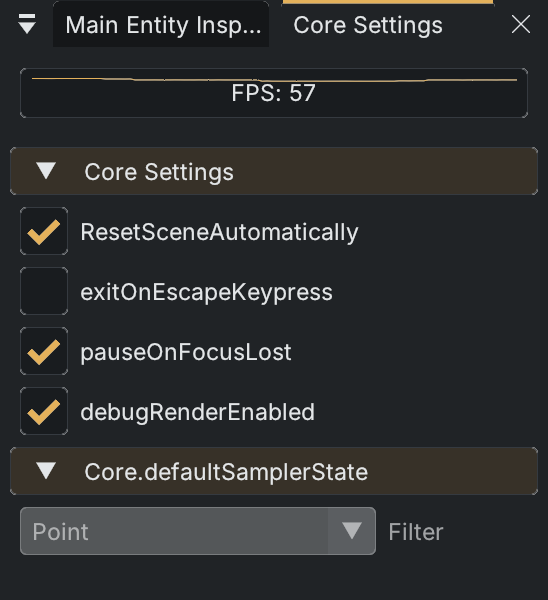
Open View > Window > Core Window. The window title is Core Settings; older references may call this the Core Selector. It shows a recent FPS graph and live engine switches.
| Current label | Engine setting |
|---|---|
ResetSceneAutomatically | Restores the scene when returning from Play to Edit, discarding unsaved runtime changes. |
exitOnEscapeKeypress | Controls the engine's Escape-to-exit behavior. |
pauseOnFocusLost | Controls pausing when the application loses focus. |
debugRenderEnabled | Enables engine debug rendering. |
These controls write live Core settings directly. They are not a replacement for project configuration or the category preferences in the Editor Tools debug dropdown. The Core.defaultSamplerState > Filter field is currently disabled and cannot be edited here.